Restore
Introduction to Restoration
Alert Manager Enterprise (AME) provides a restore function to recover KV Store events using data from a tenant’s index.
Restoration Process
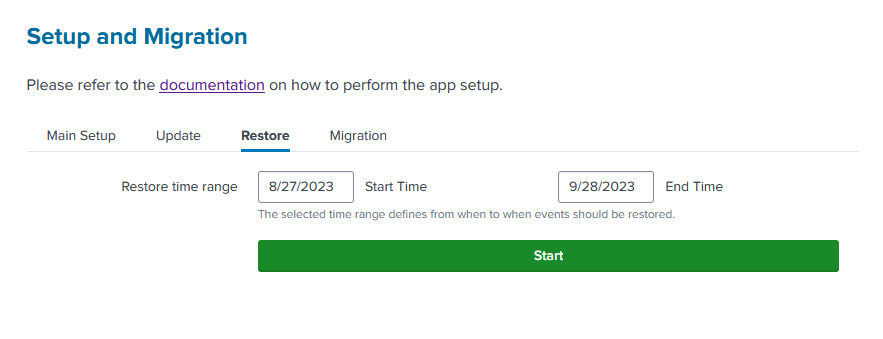
To restore events to the KV Store:
- Go to
Setup > Restorein the AME interface. - Specify the time range to restore events from the index.
- Click
Startto begin the restoration.
info
This process restores events to their respective event collections. Status options and notification schemes are not restored. If their names aren’t found in the KV Store, they won’t be translated back to keys.
caution
If the KV Store contains new events added after a KV Store outage, back up the current KV Store before restoring older events. Event keys may already be reused.