Update
Updating the App
warning
Review the Before Upgrading instructions prior to updating.
You can update Alert Manager Enterprise (AME) directly via Splunkbase for both on-premises and Splunk Cloud environments. For on-premises installations, you may also upload a new version through the UI or CLI.
Mandatory Tasks
Post-update, AME may require additional tasks to ensure full functionality. An informational message will appear to remind you of these updates.
Access all mandatory update tasks under the Administration menu, within the Setup page’s Update tab:
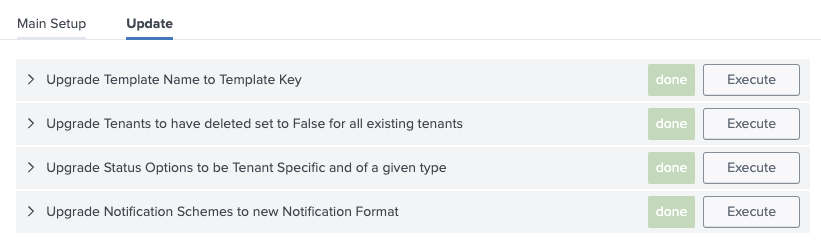
Run these updates immediately after installing the new app version to maintain proper operation.